Last Updated on February 15, 2026 by Shubam

Table of Contents
Quality link building drives serious SEO results. But manual processes? They cap your growth.
When you’re tracking prospects in spreadsheets, manually sending follow-ups, and checking backlinks by hand, you hit a ceiling. You’re spending 20 hours weekly on repetitive tasks instead of strategy. Link building software breaks that ceiling.
These platforms streamline the entire link building workflow for linkbuilders, from prospecting and outreach to monitoring and reporting, making the process more efficient and organized. Automate prospect discovery. Scale outreach without sacrificing personalization. Track every conversation. Monitor backlinks continuously. You get back 15-20 hours every week to focus on client results.
Link building software also provides access to comprehensive link data and advanced link building features, helping link builders analyze opportunities and manage campaigns more efficiently.
We tested 8 platforms to see which ones scale agency operations without killing quality. The link building software market hit $1.42 billion in 2024 as agencies invested in systems that let them grow.
🎯 Common Link Building Strategies
Guest Posting: Write articles for relevant sites with backlink in bio (most scalable)
Resource Pages: Get listed on “best tools” or “helpful resources” pages
Broken Link Building: Find 404s, offer your content as replacement
Unlinked Mentions: Find brand mentions without links, request attribution
Software helps most with: Guest posting and resource page outreach at scale, and many tasks can be accomplished in just a few clicks, making the process accessible even for beginners.
Quick Comparison: Top 8 Link Building Tools
| Tool | Best For | Database Size | What Makes It Special | Pricing |
| Ahrefs | All-in-one SEO & link building | 35T backlinks | Biggest database, updates every 15-30 min, includes link intersect tool, analyzes linking domains and external links | See plans |
| Semrush | Marketing teams who need everything | 43T backlinks | Comprehensive link metrics, backlink data, and analysis tool capabilities for SEO, content, and links in one place | See plans |
| BuzzStream | Agencies with lots of relationships | N/A | Best CRM for tracking conversations, includes outreach tools to track links and monitor link building opportunities | See plans |
| Moz Pro | Beginners & small teams | Large index | Easiest to use, everyone knows Domain Authority | See plans |
| Majestic SEO | People who care about link quality | Proprietary | Shows if links are actually trustworthy, strong link metrics and analysis tool features | See plans |
| Pitchbox | Big agencies doing 500+ emails/month | N/A | Handles massive outreach campaigns with advanced outreach tools, tracks links and monitors link building opportunities | See plans |
| Hunter.io | Anyone who needs to find emails fast | Email database | Finds contact info in seconds, free Chrome extension, locates emails tied to a website domain | See plans |
| Google Search Console | Startups on a tight budget | Your site only | Free and gets data straight from Google | Free |
Best Link Building Tools (What They Actually Do)
1. Ahrefs – Best All-in-One Platform
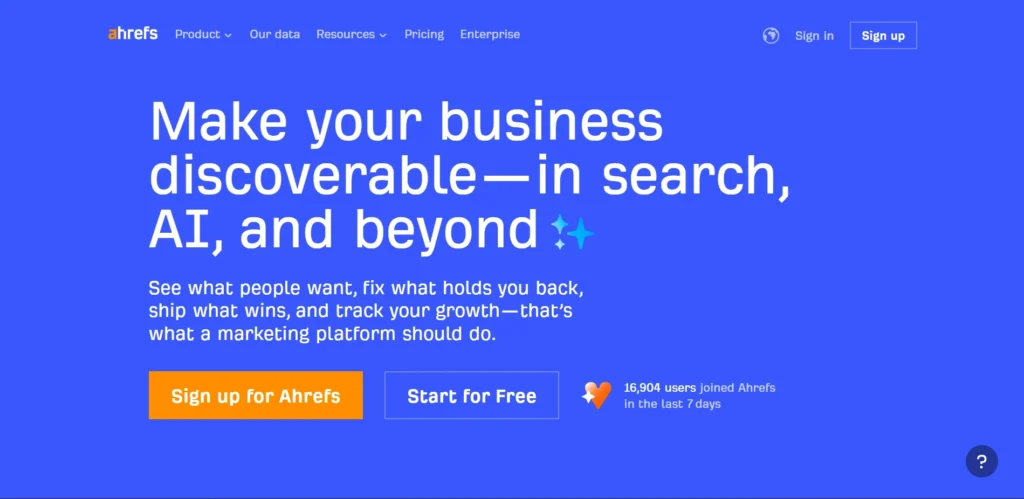
Ahrefs has the biggest backlink database out there: 35 trillion links that update every 15-30 minutes. It crawls entire websites and acts as a mini search engine for backlink data, giving you comprehensive and up-to-date information for your link building strategies. Think of it as Google for backlinks.
Want to see who’s linking to your competitors? Site Explorer shows you everything and enables in-depth backlink analysis. You can compare a competitor’s backlink profile across multiple competitors to identify common link sources and new link building opportunities.
Need to find websites that link to three competitors but not you? Link Intersect does that in seconds. The Broken Link Checker scans millions of pages instantly to find 404 errors you can swoop in and replace. In addition to software tools, connecting with other professionals through active Slack communities can lead to valuable link exchange opportunities and idea sharing that software alone can’t offer.
You should use this if: You’re building 25+ links every month and need prospecting, competitor research, and monitoring all in one tool.
What it does best:
- 🔍 Shows Domain Rating (DR) and URL Rating so you know if a link is worth chasing
- 📊 Tracks your backlink history so you can see exactly when you gain or lose links
- ⚡ Lets you analyze 200 domains at once (ideal for bulk research)
- 🔔 Sends alerts the moment you get new backlinks or lose old ones
Price: Different plans starting from $129/month depending on what you need. Check current pricing
2. Semrush Link Building Tool – Best Marketing Suite
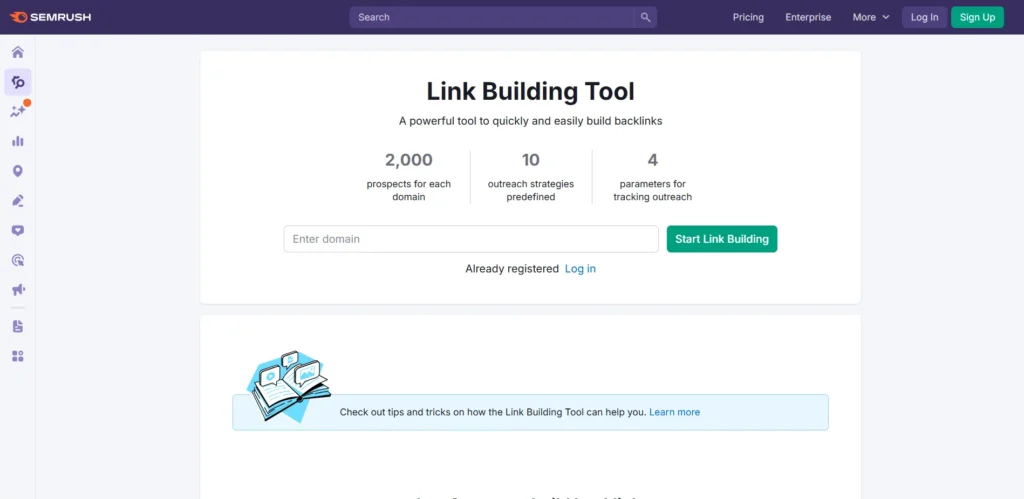
Semrush bundles link building with keyword research, rank tracking, and content tools. If you’re already doing SEO, this makes sense because everything lives in one place.
The Link Building Tool finds prospects for you automatically (simply add your keywords). It streamlines your link building workflow by automating the outreach process, making it a powerful outreach tool for managing campaigns efficiently.
Semrush tracks your outreach campaigns and notifies you when someone replies. Connects to Gmail or Outlook so you send emails right from your account. The database has 43 trillion links that refresh constantly. Semrush also supports link building outreach at scale.
You should use this if: You’re running multiple marketing campaigns and want your link building connected to your keyword and content strategy.
What it does best:
- 🎯 Finds prospects automatically when you add your target keywords, helping you discover better link building opportunities and qualify link building prospects for outreach
- ✉️ Comes with email templates and lets you schedule follow-ups
- 📈 Shows a visual pipeline so you can see where each prospect sits in your outreach
- 🔍 Tells you exactly which competitors have better backlinks than you (and where)
Price: Link building starts from $165.17/month with the middle and higher plans. See pricing options
💡 Understanding Link Building Metrics
Domain Rating (DR): Ahrefs’ 0-100 score measuring backlink profile strength
Domain Authority (DA): Moz’s equivalent metric (1-100 scale) predicting ranking ability
Trust Flow: Majestic’s quality score based on proximity to trusted seed sites
Citation Flow: Majestic’s quantity score counting raw link volume
Which should you use? These metrics show strong correlation in ranking patterns, so pick the metric your primary tool uses and stick with it. Mixing metrics across tools creates confusion and makes it harder to set consistent thresholds for prospect quality.
3. BuzzStream – Best Outreach & Relationship Management
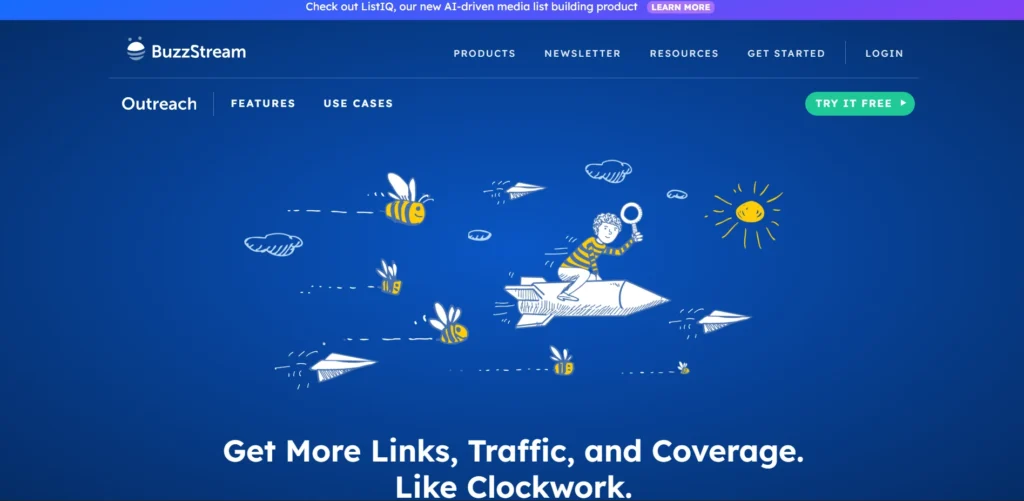
BuzzStream is built for managing hundreds of outreach relationships at once. It finds contact info automatically, tracks every email you send, and remembers your entire conversation history with each person.
BuzzStream also helps you identify and segment outreach targets and website owners, making your link building outreach more efficient and targeted. Tag prospects by link type (guest post, resource page, etc.). Assign them to team members. Make sure nobody contacts the same person twice. It plugs into your email so deliverability stays high.
You should use this if: You’re an agency building relationships long-term, not just blasting out templated emails.
What it does best:
- 💼 Keeps a CRM of every person you’ve ever contacted with full email history
- 📧 Finds email addresses automatically when you add a website
- 🔌 Has a Chrome extension so you can add prospects while browsing
- 👥 Lets your team work together without stepping on each other’s toes
- 🛠️ Offers outreach tools for managing large-scale link building outreach campaigns
Price: Pricing starts with $124/month and depends on how many users and prospects you need.
4. Moz Pro – Best for Small Teams
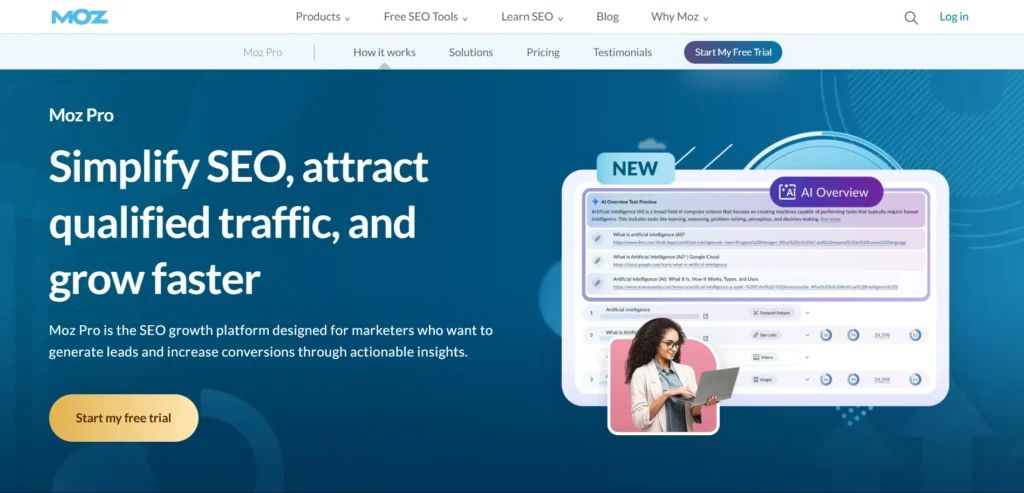
Moz Pro keeps things simple. Everyone knows what Domain Authority (DA) means. It’s the 1-100 score that tells you if a website has solid backlinks. Link Explorer shows you all the backlinks to any site and gives them a Spam Score so you know which ones to avoid.
Moz Pro’s analysis tool provides detailed link metrics and helps you identify spammy links in your website’s backlink profile, making it easier to conduct thorough backlink analysis and protect your SEO.
The interface is clean and straightforward. No confusing menus or features you won’t use. You get visualizations that actually make sense and weekly reports emailed straight to you.
You should use this if: You’re a small team or working solo and want something powerful but not overwhelming. Also great if your clients already understand DA.
What it does best:
- 📊 Domain Authority and Page Authority scores everyone recognizes
- ⚠️ Spam Score tells you if a prospect looks sketchy before you reach out
- 📈 Tracks your backlinks over time with easy-to-read charts
- 🔍 Strong backlink analysis capabilities, including in-depth insights into your website’s backlink profile and link metrics
- 🎯 Includes keyword research and rank tracking too
Price: Plans start from $179/month, varying at different levels depending on how many sites you track.
Check pricing and try free for 30 days
5. Majestic SEO – Best for Checking Link Quality
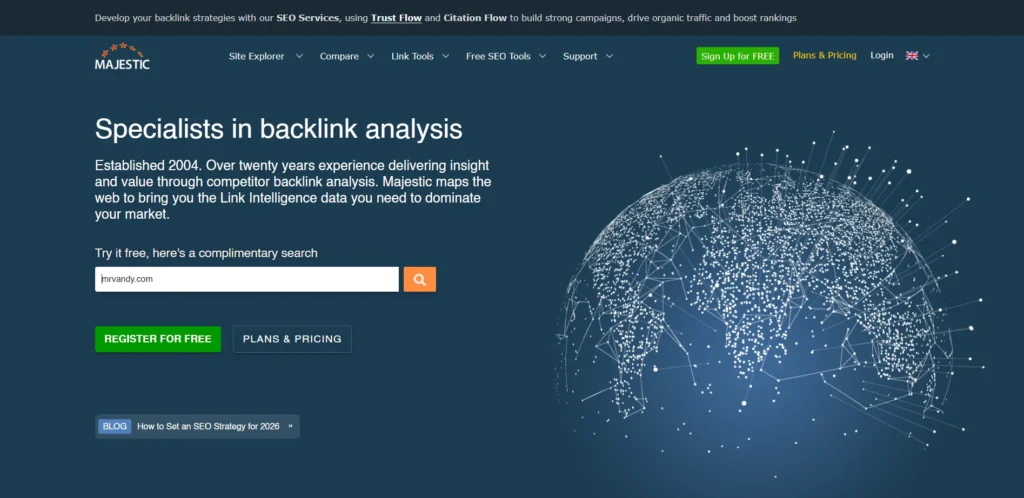
Majestic focuses on one thing: link quality. It uses Trust Flow and Citation Flow to tell you if a backlink is actually valuable. Trust Flow measures how close a website is to trusted sites (think .gov, .edu, major news). Citation Flow just counts how many links exist.
Majestic also provides unique link metrics and comprehensive backlink data, allowing for in-depth backlink analysis using its advanced analysis tool.
Topical Trust Flow is the key feature. It tells you if a website actually matches your niche. Don’t waste time getting a link from a high-authority cooking blog when you sell software.
You should use this if: You’d rather get 10 high-quality links than 100 mediocre ones, and you want to verify prospects are actually relevant to your industry.
What it does best:
- ⭐ Trust Flow and Citation Flow give you two different quality angles
- 🎯 Topical Trust Flow shows if a site is relevant to your niche or just random high authority
- 📅 Historical data goes back to 2011 if you want to research trends
- 📊 Bulk Backlink Checker lets you analyze multiple URLs at once
- 🔍 Analyze linking domains and backlink profiles in detail using Majestic’s analysis tool
Price: Plans range from basic to enterprise. Starting with $99.99/month.
6. Pitchbox – Best for Agencies at Scale

Pitchbox handles complex multi-step campaigns for agencies managing hundreds of clients and thousands of monthly prospects. Build email sequences with custom fields, conditional logic (if they click this, send that), and merge tags that personalize at scale.
Pitchbox streamlines the outreach process and supports the entire link building workflow by automating prospecting, outreach, and follow-up, making it easier to manage every stage of link building outreach efficiently.
It even searches Google for you to find guest post opportunities and resource pages. When you add a prospect, it automatically imports their DR, DA, or whatever metric you use from Ahrefs, Moz, or Semrush.
You should use this if: You’re an agency with multiple clients sending 500+ emails monthly and you need everything organized by client, campaign, and team member.
What it does best:
- ✉️ Builds multi-step email sequences that feel personalized
- 🔍 Searches Google automatically to find link opportunities
- 🔗 Pulls SEO metrics from other tools right into your workflow
- 📊 Creates white-label reports for clients and separates everything by account
- 🛠️ Offers advanced outreach tools and serves as a powerful outreach tool for link building outreach, automating and personalizing every step
Price: Professional and enterprise pricing based on volume. Starting with $ 165 /month.
7. Hunter.io – Best for Finding Emails Fast
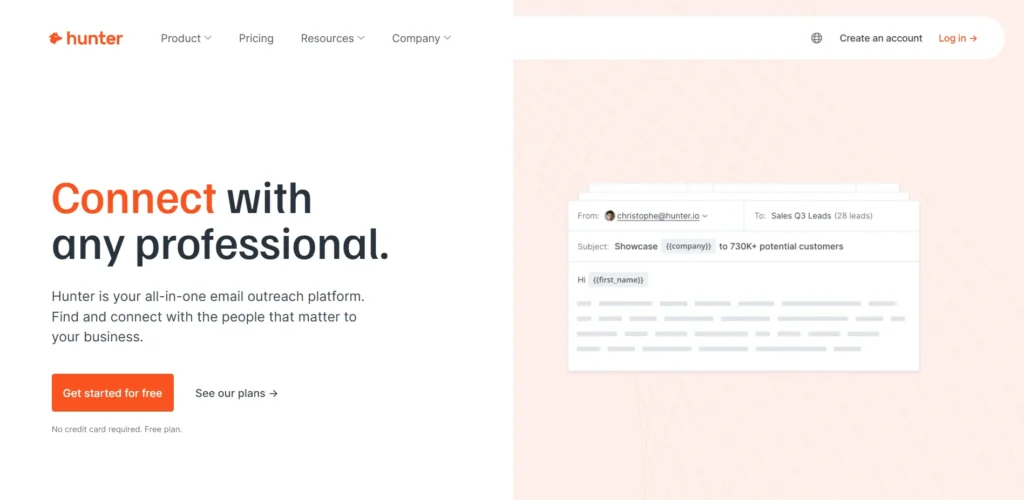
Hunter does one thing really well: finds email addresses. Type in a domain and Hunter shows you every email it found from that website, plus a confidence score. It searches for emails associated with a specific website domain, helping you identify website owners as outreach targets for your link building campaigns. The Email Verifier checks if addresses are real before you send (keeps your sender reputation clean).
The free Chrome extension finds emails while you’re browsing any website without switching tabs or copy-pasting. Bulk search lets you upload a CSV of 100 domains and get all the emails in one shot.
You should use this if: You find good prospects yourself but waste hours hunting for the right person’s email address.
What it does best:
- 📧 Domain search pulls every email associated with a website domain and helps identify website owners as outreach targets
- ✅ Email Verifier checks if an address is real before you send
- 🔌 Free Chrome extension finds emails while you browse in real-time
Price: Free plan for basic use. Paid plans start from 34$/month, scale with how many searches you need.
⚠️ Red Flags in Link Prospects
High Spam Score: Over 30% indicates risky backlink profile
Irrelevant Content: Cooking blog linking to your SaaS = zero SEO value
Low Traffic: No visitors = link passes minimal authority
Link Farms: Sites exist only to sell links (100+ outbound links per page)
Pro tip: Use Spam Score (Moz)or Toxic Score (Semrush) to filter these out automatically.
8. Google Search Console – Best Free Option
Google Search Console shows exactly which websites link to yours using data straight from Google’s index. The Links report provides comprehensive backlink data and helps you track links and monitor external links to your website’s backlink profile. It shows your top linking sites, which of your pages get the most links, and what anchor text people use.
Yes, it updates slower than paid tools (weeks instead of hours). And no, you can’t spy on competitors. But it’s free and the data comes directly from Google, so you know it’s accurate for your own site.
You should use this if: You’re a startup or small business building fewer than 10 links per month and can’t justify paying for tools yet.
What it does best:
- 🔗 Shows every backlink Google knows about to your site
- 📊 Lists your top linking sites and most-linked pages
- 🔗 Shows internal links too (how your pages link to each other)
- 📈 Tracks anchor text distribution
Price: Completely free. Set it up now
Common Link Building Mistakes to Avoid
Even the most well-intentioned link building campaigns can go off track if you’re not careful. Avoiding common pitfalls is essential for building high-quality links that genuinely impact your SEO. If readers need a refresher, this guide to link building basics gives a quick overview of how links support SEO.
Automated vs Manual: Which One Should You Use?
Here’s how it breaks down: automated link building means software finds prospects and sends templated emails for you. Manual means you research each website yourself and write custom messages.
Automated link building tools can streamline the entire link building workflow, allowing link builders to scale their outreach, manage prospects efficiently, and analyze backlink opportunities with less manual effort.
The trade-off is volume versus quality.
| What | Automated 🤖 | Manual ✍️ |
| Time per prospect | 2-5 minutes | 15-30 minutes |
| Response rate | 1-5% | 15-30% |
| How many per month | 300-500 prospects | 50-100 prospects |
| Link quality | Mixed bag | Usually high |
The smart move? Use both. Let software find prospects and handle the bulk outreach. But when you find a really good opportunity (like a major publication or high-authority site) take the time to write a personal email.
Research from Postaga shows that 88% of successful link placements come from follow-up emails (emails 2-4), with just 12% secured from the initial outreach. Once you’re managing more than 50 prospects, automation becomes necessary or you’ll drown in spreadsheets.
How to Pick the Right Tool for Your Team
Software pays for itself when you’re building 10+ links per month. Here’s how to decide:
🟢 Building 1-9 links per month?
Stick with free tools like Google Search Console to monitor your backlinks and Google Alerts to track brand mentions. Do outreach manually through your regular email. You’re not building enough links to justify paying for software.
🟡 Building 10-25 links per month?
Get a prospecting tool plus an outreach CRM. The time you save on research (about 15-20 hours per week) easily covers the subscription cost.
🔴 Building 25+ links per month?
Go for an all-in-one platform like Ahrefs or Semrush. At this scale, having everything unified saves you from switching between three different tools all day.
When choosing link building software, consider whether you need a dedicated analysis tool for backlink research, general SEO tools with robust link building features, or a platform that also supports technical SEO to address site issues and improve overall SEO performance.
Think about complexity too. Managing outreach for 5 clients with long nurture sequences? You need CRM features even if your total link count is lower. Just doing simple blogger outreach with one-email asks? You might not need fancy automation.
For agencies and marketers looking to accelerate link acquisition, leveraging paid link building can save valuable time while securing quality backlinks.
Get Professional Backlinks 🚀
Ready to build high-authority backlinks without manual work? Our link building packages include prospect research, outreach management, and placement tracking.
We handle the entire link building process from identifying relevant websites to securing quality backlinks that improve your domain authority and organic traffic.
Our team uncovers link building opportunities and link building prospects by targeting authoritative sites, including news sites, and by creating link worthy content that naturally attracts backlinks.
Frequently Asked Questions
1) How Does Link Building Software Work?
Link building software automates three core tasks: finding prospects by scanning databases, sending outreach emails and tracking responses, and monitoring your backlinks 24/7 with instant alerts.
2) Is Link Building Software Worth It?
Yes, if you’re building 10+ links monthly and spending 15+ hours weekly on manual prospecting and tracking. Below that volume, stick with free tools like Google Search Console.
3) What’s the Difference Between Automated and Manual Link Building?
Automated reaches 300-500 prospects monthly at 1-5% response rates (high volume, low conversion). Manual reaches 50-100 prospects at 15-30% response rates (low volume, high conversion). The best strategy combines both approaches.
4) What’s the Best Link Building Software for Beginners?
Start with Google Search Console (free), then upgrade to Moz Pro at 10+ links monthly for its simple interface and widely-understood Domain Authority scores. BuzzStream is another beginner-friendly option if you need outreach CRM features.